 DexBook
How to Stop Booking Clients by Text Message
A practical way to move appointment requests out of messy text threads and into a booking link that works around the clock.
By DexBook Team · Published November 24, 2026 · 3 min read
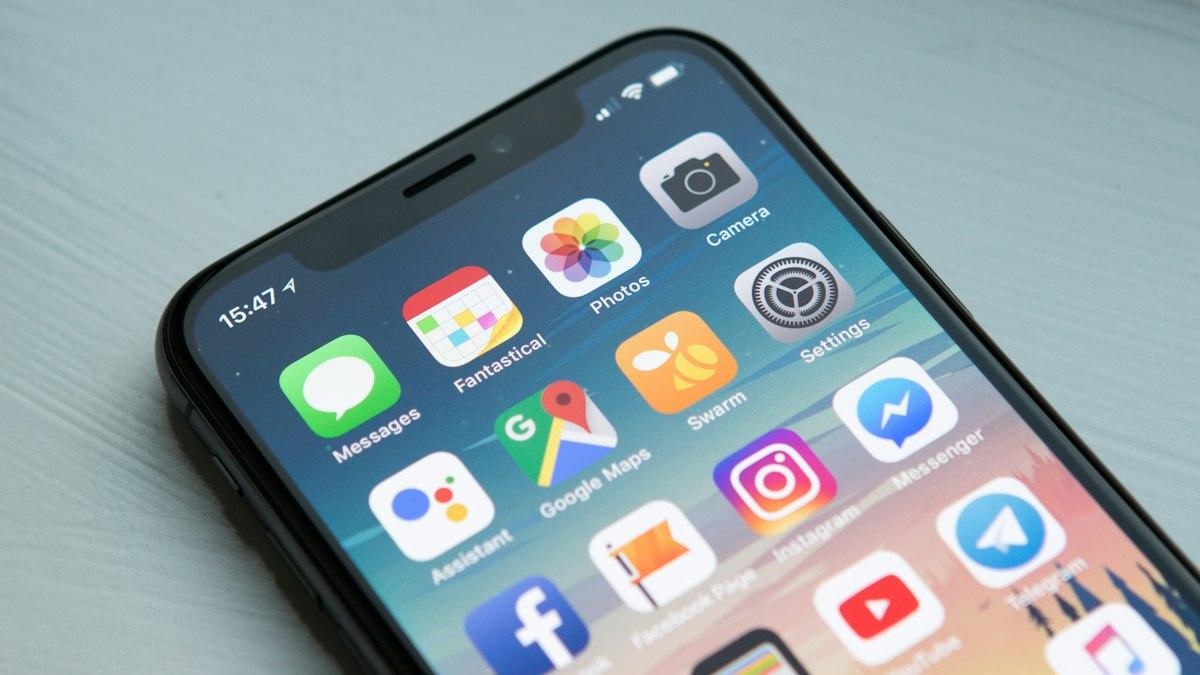
Text booking feels convenient until you compare it with what actually happens: interrupted sessions, missed messages, double bookings and no-shows. A booking link does not make you less personal. It removes the back-and-forth so you can spend your working hours working.
Why text threads break down
A text request usually arrives as a fragment: "Saturday around 3?" You then check your calendar, reply, wait, re-check, and sometimes discover the slot was already taken. Multiply that by twenty requests a week and it becomes a part-time job.
The problem is not your responsiveness. It is that a chat thread is a terrible calendar.
Move the decision to the customer
Share a link where customers can see your real open times and pick one themselves. You keep control because your availability rules decide what they can see.
A good booking link should:
- show only times you actually allow;
- block out gaps, holidays and buffers;
- collect the customer's name and email at the moment of booking;
- send a confirmation without you typing anything.
Keep texting for the human parts
You do not have to stop replying to messages. Simply change what the message is for. Answer questions about services, prices and preparation, then finish with one line: "You can pick a time here: [your link]."
That single sentence removes four or five replies from most conversations.
Handle the exceptions manually
Some customers will still call. That is fine. Add their appointment from your dashboard so it occupies the same slot and triggers the same reminders. Your calendar stays the source of truth, no matter where the request came from.
Reduce no-shows at the same time
Text bookings are easy to forget. An automatic confirmation and a reminder before the appointment are much harder to ignore. If you want to go further, write a short, friendly reminder template and reuse it for every appointment.
A two-week transition plan
- Set up your services and weekly hours.
- Add a buffer and a minimum notice rule.
- Put the link in your social bio and email signature.
- For two weeks, reply to every request with the link.
- Track how many requests no longer need a second reply.
Most people are relieved when a provider offers a simple link. It respects their time as much as yours.
FAQ
Will this feel impersonal to regular clients? Not if you keep the human tone in your messages. The link just handles the time selection.
Can I accept same-day requests? Yes, if your minimum notice allows it. Keep the notice short enough to be useful but long enough to prepare.
Related reading
Frequently asked questions
What if my clients prefer texting?
Keep texting for questions, but move the actual time selection to a link. Clients still get a human response when they need one.
Will I lose bookings from people who don't use the link?
No. You can add manual bookings for anyone who calls or texts, so everything stays in one calendar.
Practical booking guides for solo service providers. Reviewed by the DexBook team.